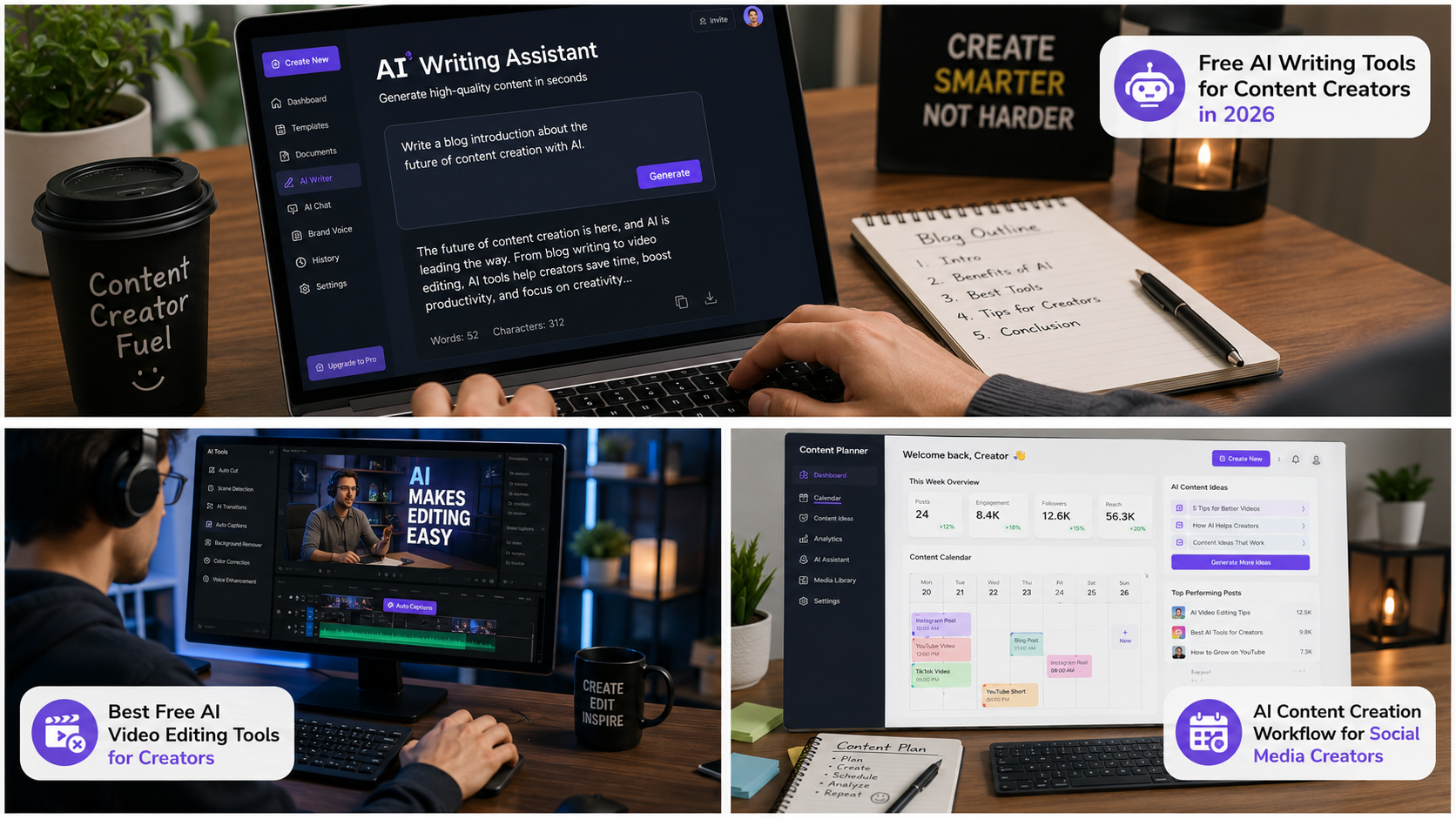
If you’re creating content in 2026 and you’re not using AI yet, you’re probably spending way more time than you need to.
That might sound dramatic, but honestly, it’s true.
Whether you’re a blogger, YouTuber, podcaster, freelancer, social media manager, or someone trying to grow a side hustle, AI tools can save hours every week. The best part ? Many of the most powerful tools are still completely free.
The challenge isn’t finding AI tools anymore. There are thousands of them.
The real challenge is figuring out which ones are actually useful and which ones are just flashy websites with big promises.
That’s exactly what this guide is for.
In this article, you’ll discover the best free AI tools for content creators in 2026, what they do, who they’re best for, and how you can start using them today without spending a dime.
Quick Answer: What Are the Best Free AI Tools for Content Creators in 2026 ?
If you’re in a hurry, here are the top picks:
- ChatGPT – Content writing and brainstorming
- Google Gemini – Research and content planning
- Canva AI – Graphic design and social media content
- CapCut AI – Video editing
- Grammarly – Writing improvement
- Notion AI – Productivity and organization
- Perplexity AI – Research and fact-checking
- Leonardo AI – AI image generation
- ElevenLabs – AI voice generation
- Descript – Podcast and video editing
Now let’s look at each one in detail.
Read also :- How to Use AI Tools to Work Smarter, Not Harder
Why Content Creators Are Using More AI Than Ever
Content creation has become more competitive every year.
A few years ago, posting one blog article per week was enough.
Today ?
You might need:
- Blog posts
- YouTube videos
- Shorts
- Reels
- TikToks
- Email newsletters
- Social media posts
- Graphics
- SEO optimization
That is a lot for one person.
AI helps reduce repetitive work so creators can focus on creativity and strategy instead of spending hours on small tasks.
Think of AI as a very fast assistant.
It won’t replace your creativity, but it can definitely help you work faster.
1. ChatGPT
Best For:
Writing, brainstorming, outlines, social media content, email marketing
When people think about AI, ChatGPT is usually the first tool that comes to mind.
And for good reason.
It can help you:
- Write blog post outlines
- Generate content ideas
- Create social media captions
- Draft emails
- Rewrite content
- Summarize research
- Generate FAQs
For example, if you’re stuck on what to write next, simply ask:
“Give me 20 blog ideas for a fitness website.”
Within seconds, you’ll have enough ideas for weeks.
Why Creators Love It
- Easy to use
- Fast responses
- Excellent brainstorming
- Free version available
Pro Tip
Never copy AI – generated content directly.
Use it as a starting point and add your own experience, opinions, and examples.
2. Google Gemini
Best For:
Research, planning, data gathering
Research can take forever.
One minute you’re reading an article.
The next thing you know, you’re somehow watching a video about penguins.
Gemini helps keep research organized.
It can summarize information quickly and provide multiple viewpoints on a topic.
Many content creators use Gemini before writing because it helps gather information faster.
Benefits
- Strong research capabilities
- Helpful summaries
- Great for planning content calendars
- Free access available
Example Use Case
A travel blogger researching “best places to visit in Florida” can gather ideas, trends, and questions people ask before creating content.
Read also :- How to Use AI Tools to Work Smarter, Not Harder
3. Canva AI
Best For:
Graphics, thumbnails, presentations, social media posts
Canva has become almost impossible to ignore.
Even creators with zero design experience can make professional-looking content.
Its AI features help generate:
- Images
- Social graphics
- Presentations
- Ad creatives
- Marketing materials
Why It’s Popular
You don’t need to learn complicated design software.
Everything is drag – and- drop.
That alone saves countless hours every month.
Practical Example
A YouTube creator can generate a thumbnail in minutes instead of spending an hour learning Photoshop.
4. CapCut AI
Best For:
Short-form videos
Short-form video content is still dominating social media in 2026.
CapCut offers AI – powered tools that simplify editing dramatically.
Features include:
- Auto captions
- Background removal
- AI effects
- Smart trimming
- Audio enhancement
Many creators can now edit an entire Reel or TikTok in less than 15 minutes.
That’s a huge productivity boost.
5. Grammarly
Best For:
Editing and proofreading
Even great writers make mistakes.
Typos happen.
Grammar slips through.
Awkward sentences sneak into articles.
Grammarly catches these issues before your audience sees them.
Key Benefits
- Grammar correction
- Tone suggestions
- Readability improvements
- Professional writing assistance
It’s one of those tools that quietly makes everything better.
You may not notice it working, but you’ll definitely notice when it’s gone.
6. Notion AI
Best For:
Content planning and productivity
Content creators often struggle more with organization than creativity.
Notion AI helps manage:
- Editorial calendars
- Content ideas
- Research notes
- Project management
- Team collaboration
If your desktop currently has 47 random sticky notes, Notion AI might become your new best friend.
Why It Works
Everything stays in one place.
No more hunting through multiple apps to find your notes.
7. Perplexity AI
Best For:
Research and fact – checking
One of the biggest problems with AI-generated content is accuracy.
Perplexity helps solve that problem.
It focuses heavily on sourcing information and helping users verify facts.
For bloggers and journalists, this can be incredibly valuable.
Recommended Usage
Use Perplexity during research and ChatGPT during writing.
That combination works surprisingly well.
8. Leonardo AI
Best For:
AI image creation
Stock photos can be expensive.
Custom graphics can take hours.
Leonardo AI gives creators another option.
You can generate:
- Blog graphics
- Social media visuals
- Marketing images
- Digital art
- Product mockups
The quality has improved dramatically compared to just a few years ago.
Many images now look professionally designed.
Read also :- How to Use AI Tools to Work Smarter, Not Harder
9. ElevenLabs
Best For:
AI voice generation
Voiceovers can be expensive.
Recording audio can also be time-consuming.
ElevenLabs creates realistic AI voices that sound remarkably natural.
Popular uses include:
- YouTube narration
- Audiobooks
- Podcasts
- Training videos
- Educational content
The technology has improved so much that many listeners can’t tell the difference.
10. Descript
Best For:
Podcast and video editing
Descript changes the way creators edit media.
Instead of editing a timeline, you edit text.
Delete a sentence from the transcript, and it disappears from the video.
Simple.
This saves a huge amount of editing time.
Key Features
- AI transcription
- Podcast editing
- Video editing
- Screen recording
- Voice enhancement
For creators producing lots of video content, this can be a game changer.
How to Choose the Right AI Tool
Not every creator needs every tool.
Start with your biggest problem.
If writing takes too long:
- ChatGPT
- Gemini
- Grammarly
If video editing is slowing you down:
- CapCut
- Descript
If graphics are the issue:
- Canva
- Leonardo AI
Focus on solving one bottleneck first.
Then expand your toolkit gradually.
Trying ten new tools at once usually creates more confusion than productivity.
Advanced AI Workflows for Content Creators in 2026
Now that you know the best free AI tools for content creators in 2026, let’s talk about something even more important.
How do successful creators actually use these tools together ?
Because the truth is, most creators don’t rely on just one AI tool.
Instead, they build simple workflows that help them create content faster while maintaining quality.
Here’s an example.
A Blogger’s AI Workflow
Step 1: Research a topic using Perplexity AI
Step 2: Create an outline with ChatGPT
Step 3: Write the article draft
Step 4: Improve readability with Grammarly
Step 5: Design featured images in Canva
Step 6: Publish and promote on social media
This process can reduce content creation time by 50% or more.
And honestly, who doesn’t want more free time?
The Biggest Mistakes Content Creators Make With AI
AI is powerful, but it’s not magic.
Many beginners expect AI to do everything for them.
That usually leads to low – quality content.
Here are the most common mistakes to avoid.
1. Publishing AI Content Without Editing
This is probably the biggest mistake.
Readers can tell when content feels generic.
Always:
- Add personal insights
- Include real examples
- Share experiences
- Add unique opinions
The best content combines AI efficiency with human creativity.
2. Ignoring Fact Checking
AI sometimes gets facts wrong.
Always verify:
- Statistics
- Dates
- Product details
- Industry information
A few extra minutes of checking can save you from publishing inaccurate content.
3. Using Too Many Tools
Many creators sign up for 20 AI tools.
Then they use none of them effectively.
Start small.
Master 2 – 3 tools first.
Then expand.
4. Forgetting Your Audience
AI can generate content quickly.
But your audience still wants content that feels personal and helpful.
Always ask yourself:
“Would I actually enjoy reading this ?”
If the answer is no, revise it.
Read also :- How to Use AI Tools to Work Smarter, Not Harder
Best Free AI Tools by Content Type
Different creators have different needs.
Let’s break things down by category.
Best AI Tools for Bloggers
If blogging is your primary focus, consider:
ChatGPT
Great for:
- Blog outlines
- Topic ideas
- Draft creation
- SEO content planning
Grammarly
Great for:
- Editing
- Proofreading
- Readability
Perplexity
Great for:
- Research
- Fact verification
- Finding sources
Canva
Great for:
- Featured images
- Blog graphics
- Pinterest pins
Best AI Tools for YouTubers
Video creators need a different toolkit.
CapCut
Perfect for:
- Shorts
- Reels
- TikTok videos
- Fast editing
ChatGPT
Useful for:
- Video scripts
- Titles
- Descriptions
- Content ideas
ElevenLabs
Helpful for:
- Voiceovers
- Narration
- Educational videos
Canva
Excellent for:
- Thumbnails
- Channel banners
- Social media graphics
Read also :- How to Use AI Tools to Work Smarter, Not Harder
Best AI Tools for Social Media Creators
Creating daily social media content can feel exhausting.
AI makes it much easier.
Canva AI
Create:
- Posts
- Stories
- Carousels
- Ads
ChatGPT
Generate:
- Captions
- Hashtags
- Content calendars
- Engagement ideas
Notion AI
Manage:
- Posting schedules
- Campaign planning
- Content organization
Best AI Tools for Podcasters
Podcast creators can save huge amounts of time.
Descript
Perfect for:
- Transcriptions
- Editing
- Removing filler words
ElevenLabs
Useful for:
- Voice generation
- Narration
- Audio content
ChatGPT
Helpful for:
- Episode planning
- Show notes
- Interview questions
How AI Is Changing Content Creation in 2026
The content industry looks very different today compared to just a few years ago.
Back then, creating content often required:
- Expensive software
- Specialized skills
- Large teams
- Significant budgets
Today, a solo creator can compete with much larger companies.
That’s pretty amazing when you think about it.
A single creator can now:
- Write articles
- Design graphics
- Edit videos
- Create voiceovers
- Manage social media
All using free AI tools.
This doesn’t mean human creativity is disappearing.
It means creators have better tools than ever before.
People Also Ask
What is the best free AI tool for content creation ?
ChatGPT is often considered the best all – around free AI tool because it helps with writing, brainstorming, planning, research, and content ideation.
However, the best tool depends on your specific needs.
Writers may prefer ChatGPT, while designers may prefer Canva AI.
Read also :- How to Use AI Tools to Work Smarter, Not Harder
Are free AI tools good enough for professional content ?
Yes.
Many free AI tools offer features that are more than sufficient for professional creators.
In fact, countless bloggers, YouTubers, and marketers rely heavily on free versions before upgrading.
Can AI replace content creators ?
No.
AI can assist creators, but it cannot fully replace human creativity, storytelling, emotion, and personal experience.
The strongest content usually combines AI assistance with human expertise.
Which AI tool is best for YouTube creators ?
CapCut, ChatGPT, Canva, and ElevenLabs are among the most popular choices for YouTube creators in 2026.
Together, they cover scripting, editing, thumbnails, and voiceovers.
Is AI – generated content good for SEO ?
AI-generated content can perform well in search engines if it is:
- Accurate
- Helpful
- Original
- Well-edited
- Written for users first
Google rewards quality content regardless of how it is created.
Practical Tips for Getting Better Results From AI
Most people use AI poorly.
A better approach is to learn how to communicate clearly with these tools.
Here are some tips.
Be Specific
Instead of saying:
“Write a blog post.”
Try:
“Write a beginner-friendly blog post about home workouts for busy parents.”
The more details you provide, the better the output.
Give Examples
AI performs better when it understands your style.
Example:
“Write in a friendly tone similar to a helpful fitness coach.”
Edit Everything
Even excellent AI – generated content needs human review.
Check:
- Facts
- Grammar
- Tone
- Clarity
Add Personal Experience
Readers trust real experiences.
For example:
Instead of:
“Morning routines improve productivity.”
Try:
“I noticed I completed more work before lunch after spending 20 minutes planning my day each morning.”
That small difference creates trust.
Reliable Resources for Learning More About AI
For readers who want deeper information, these resources are worth exploring:
These organizations regularly publish updates about AI technology and best practices.
Read also :- How to Use AI Tools to Work Smarter, Not Harder
Best Free AI Tools for Content Creators in 2026
The best free AI tools for content creators in 2026 are making it easier than ever to create high – quality content without spending a fortune.
Whether you’re writing blog posts, creating YouTube videos, managing social media accounts, or producing podcasts, there are free AI solutions available that can save time and improve results.
If you’re just starting, begin with:
- ChatGPT for writing
- Canva AI for design
- CapCut for video editing
- Grammarly for editing
These four tools alone can dramatically improve your workflow.
Remember, though, AI works best as an assistant – not a replacement for your creativity.
Your ideas, experiences, opinions, and personality are still what make your content valuable.
Use AI to handle repetitive tasks.
Use your human creativity to make the content memorable.
That’s the combination that wins in 2026.
Leave a Reply