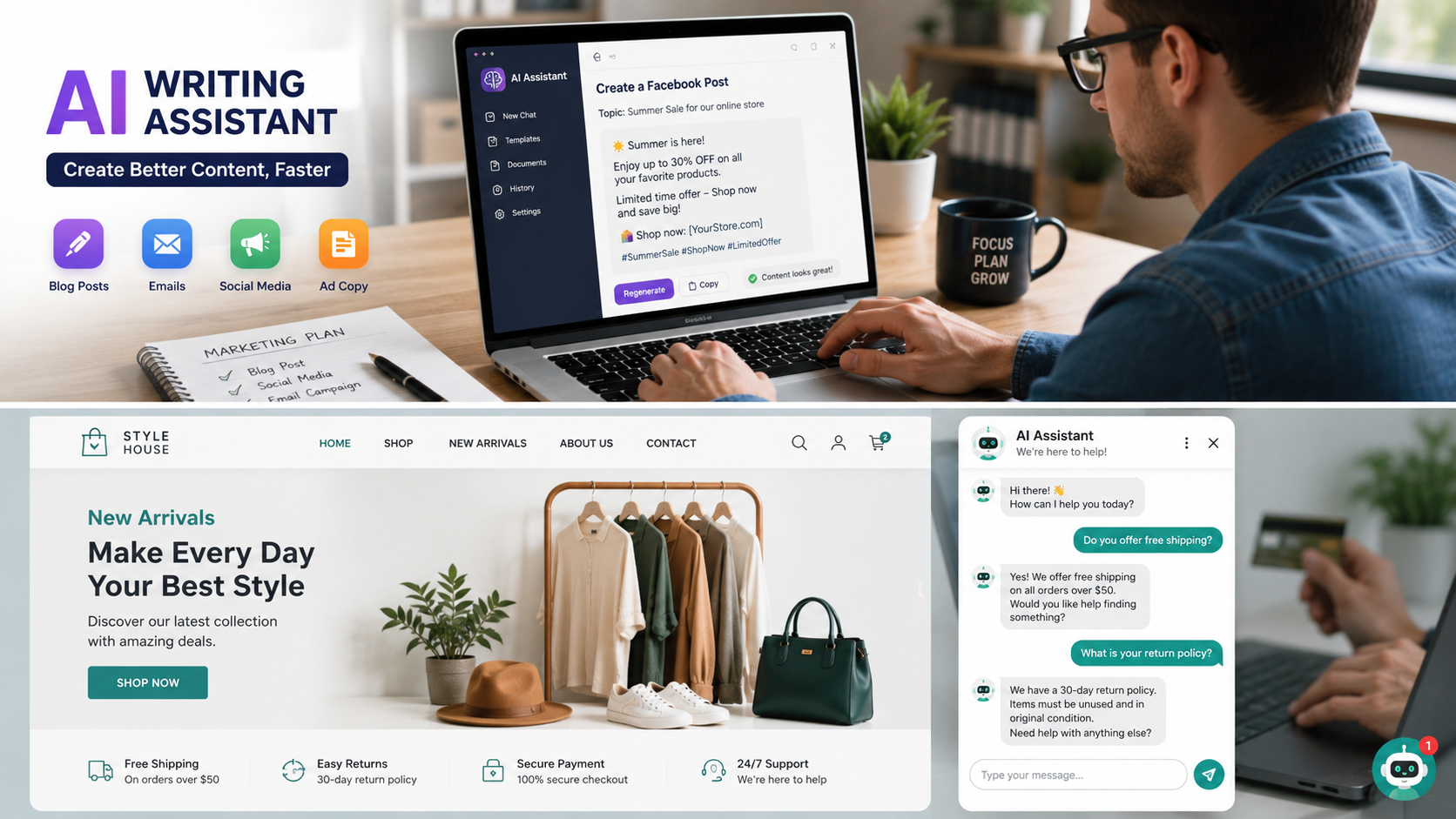
Running a small business has never been easy. One day you’re answering customer emails, the next you’re creating social media posts, updating your website, tracking inventory, and somehow trying to find time to grow your business. Sound familiar ?
Here’s the good news: you don’t have to do everything yourself anymore.
The Top AI Tools for Small Businesses in the USA are helping entrepreneurs save hours every week by handling repetitive tasks, improving customer support, creating marketing content, and even analyzing business data. What used to require a full team can now often be done with a few smart AI tools.
The best part? Many of these tools are surprisingly affordable, and some even offer free plans that are perfect for startups and local businesses.
Whether you own a coffee shop, an online store, a marketing agency, or a family – run business, AI can help you work smarter instead of simply working longer hours. And let’s be honest – who wouldn’t want an extra hour or two back every day?
In this guide, you’ll discover the best AI tools available today, what they do well, who they’re best for, and how they can make your business more productive without breaking your budget.
Why Small Businesses Are Adopting AI Faster Than Ever
A few years ago, artificial intelligence sounded like something only giant tech companies could afford.
Today ?
Even a one-person business can use AI to write emails, answer customer questions, create social media graphics, summarize meetings, and organize projects.
That’s a huge shift.
Instead of replacing people, AI is becoming more like a really helpful assistant that never gets tired. It handles repetitive work so you can spend more time serving customers, improving products, or simply enjoying a less stressful workday.
Some of the biggest reasons American small businesses are embracing AI include:
- Saving valuable time
- Reducing operating costs
- Creating content faster
- Improving customer support
- Increasing productivity
- Better decision – making through data
- Automating repetitive daily tasks
Imagine spending three hours every week writing social media captions. An AI assistant can often generate several ideas in just a few minutes. You still review and personalize the content, but you’ve skipped the hardest part – starting from scratch.
That’s where AI really shines.
Read also :- Hidden Features in Popular AI Tools Most People Miss
What Makes a Great AI Tool ?
Not every AI platform is worth your money.
Some tools promise the world but end up creating more work than they save.
When choosing AI software for your business, look for these qualities.
Easy to Learn
You shouldn’t need a computer science degree to use an AI tool.
The best platforms have simple dashboards, clear instructions, and helpful templates that let you get started within minutes.
If you’re constantly searching YouTube tutorials just to complete basic tasks, that tool probably isn’t the right fit.
Affordable Pricing
Small businesses often work with limited budgets.
Fortunately, many AI tools offer generous free plans or inexpensive monthly subscriptions that provide excellent value.
Start with the free version whenever possible. Once you see real benefits, upgrading becomes a much easier decision.
Reliable Results
AI isn’t perfect, but the best tools consistently produce useful output that only needs small edits.
Whether you’re writing emails, creating product descriptions, or generating marketing ideas, accuracy matters.
Always review AI-generated content before publishing, especially for customer-facing materials.
Saves More Time Than It Takes
This sounds obvious, but it’s surprisingly important.
If a tool takes two hours to learn and only saves five minutes a week, it probably isn’t worth it.
Choose AI that fits naturally into your existing workflow.
Read also :- Hidden Features in Popular AI Tools Most People Miss
1. ChatGPT
If you’re new to AI, ChatGPT is probably the easiest place to begin.
It’s incredibly flexible and can help with dozens of business tasks every single day.
Many small business owners start by asking simple questions and quickly realize it can assist with marketing, customer service, brainstorming, planning, and content creation.
Best For
- Writing emails
- Creating blog posts
- Product descriptions
- Marketing campaigns
- Customer support replies
- Business brainstorming
- Business planning
Why Small Businesses Love It
Instead of staring at a blank screen trying to write the perfect email, you can ask ChatGPT to draft one in seconds.
Need ten Facebook post ideas ?
Done.
Need product descriptions for your online store ?
Easy.
Need help rewriting your About Us page ?
It can do that too.
One bakery owner shared that using AI for weekly social media planning reduced their content creation time from nearly four hours to less than one hour. That’s time they could spend baking fresh products instead of worrying about captions.
Of course, you’ll still want to add your own voice and personality before publishing anything.
Think of ChatGPT as an enthusiastic first draft partner – not the final editor.
2. Claude
If your business deals with long documents, reports, contracts, or detailed writing, Claude is an excellent choice.
Its biggest strength is understanding large amounts of information while maintaining a natural writing style.
That makes it especially useful for consultants, agencies, accountants, legal professionals, and service-based businesses.
Best For
- Long reports
- Business documents
- Policy writing
- Proposal creation
- Research summaries
- Client communication
Why Businesses Choose Claude
Imagine receiving a 30-page document from a client.
Instead of reading every word immediately, Claude can summarize the key points, highlight action items, and even explain complicated sections in plain English.
That’s a serious time saver.
Many users also appreciate Claude’s calm, conversational writing style, which often requires fewer edits than other AI assistants.
3. Gemini
Google’s Gemini works especially well for businesses already using Google Workspace.
If your team spends most of the day in Gmail, Google Docs, Sheets, and Drive, Gemini fits naturally into your existing workflow.
Instead of switching between multiple apps, you can generate ideas, summarize emails, organize spreadsheets, and create documents within Google’s ecosystem.
Best For
- Gmail productivity
- Google Docs
- Spreadsheet analysis
- Meeting summaries
- Business research
- Team collaboration
Why It’s Worth Considering
Suppose your inbox has become a monster with hundreds of unread emails.
Gemini can summarize long email threads, helping you understand the conversation much faster.
It can also help draft replies that sound professional while saving valuable time.
For businesses already paying for Google Workspace, this integration can make daily work noticeably smoother.
4. Canva AI
Not everyone has the budget to hire a graphic designer.
That’s where Canva AI becomes incredibly useful.
It allows small business owners to create professional – looking graphics for social media, presentations, advertisements, flyers, business cards, and websites without advanced design skills.
Best For
- Social media graphics
- Business presentations
- Flyers
- Logos
- Marketing materials
- Product promotions
Read also :- Hidden Features in Popular AI Tools Most People Miss
Why Small Businesses Use Canva AI
Let’s say you’re announcing a weekend sale.
Instead of spending hours designing a promotional graphic from scratch, Canva AI can suggest layouts, generate images, improve text, and recommend color combinations.
The result ?
Professional – looking marketing materials created in minutes instead of hours.
Even if you’ve never considered yourself creative, Canva makes design feel surprisingly approachable.
5. Grammarly
Great communication builds trust.
Whether you’re sending customer emails, writing blog posts, or updating your website, grammar mistakes can leave a poor impression.
That’s where Grammarly comes in.
It checks grammar, spelling, punctuation, tone, and clarity while offering suggestions that make your writing sound more polished.
Best For
- Business emails
- Website copy
- Blog posts
- Marketing campaigns
- Customer communication
- Reports
Why It’s a Smart Investment
We’ve all sent an email only to notice a typo two seconds after clicking “Send.” It’s frustrating – and sometimes embarrassing.
Grammarly helps catch those small mistakes before your customers ever see them.
Beyond fixing grammar, it also suggests clearer wording and helps your writing sound more confident without losing your personal voice.
For businesses that communicate with customers every day, those little improvements can make a surprisingly big difference.
6. Notion AI
If your business is constantly juggling notes, project plans, meeting summaries, and to – do lists, Notion AI can become your team’s favorite productivity tool.
Instead of keeping information scattered across sticky notes, notebooks, and random documents, Notion brings everything together in one organized workspace. Its AI features help you summarize notes, generate ideas, rewrite content, and create action items automatically.
For many small businesses, staying organized is half the battle. Notion AI makes that battle much easier.
Best For
- Project management
- Meeting notes
- Team collaboration
- SOP documentation
- Brainstorming ideas
- Knowledge management
Why Small Businesses Love It
Imagine finishing a one-hour team meeting.
Instead of spending another 30 minutes writing meeting notes, Notion AI can summarize the discussion, list key decisions, and even create a checklist of action items.
That’s less paperwork and more productivity.
7. Jasper AI
Marketing is essential, but consistently creating high – quality content isn’t always easy.
That’s where Jasper AI shines.
Jasper is designed for businesses that need blog posts, product descriptions, ad copy, landing pages, and social media content on a regular basis.
If content marketing is part of your growth strategy, Jasper can save hours every week.
Best For
- Blog writing
- Email marketing
- Facebook ads
- Google Ads
- Product descriptions
- Website copy
Why Businesses Choose Jasper
Many online stores have hundreds of products.
Writing unique descriptions for each one manually can take weeks.
Jasper helps generate first drafts quickly, allowing you to focus on editing and adding your brand’s personality instead of starting from scratch every time.
8. Zapier AI
One of the biggest productivity killers is repetitive work.
Copying information between apps, sending routine emails, updating spreadsheets, or posting notifications may seem small, but those tasks add up quickly.
Zapier AI helps automate these workflows without requiring coding skills.
Best For
- Workflow automation
- CRM updates
- Email automation
- Lead management
- Team notifications
- Data synchronization
Real – Life Example
Suppose someone fills out the contact form on your website.
Instead of manually copying their information into your CRM and sending a welcome email, Zapier can automatically:
- Save the lead
- Notify your sales team
- Send a thank-you email
- Create a follow-up reminder
- Update your spreadsheet
That entire process happens automatically.
For busy business owners, automation like this can save several hours every month.
Read also :- Hidden Features in Popular AI Tools Most People Miss
9. Perplexity AI
Sometimes you don’t need creative writing.
You need accurate answers backed by sources.
That’s where Perplexity AI stands out.
Unlike many AI assistants, it often provides references that let you verify information yourself.
Best For
- Business research
- Competitor analysis
- Market trends
- Industry news
- Fact checking
Why It’s Helpful
Imagine researching a new industry before launching a product.
Instead of opening twenty browser tabs, Perplexity can summarize information while pointing you toward reliable sources for further reading.
That saves time and improves confidence in your research.
10. Microsoft Copilot
Many American businesses already rely on Microsoft Office every day.
Microsoft Copilot brings AI directly into familiar apps like Word, Excel, Outlook, and PowerPoint.
That means less switching between software and more getting things done.
Best For
- Excel analysis
- Word documents
- Email drafting
- PowerPoint presentations
- Business reporting
Why Small Businesses Like It
Excel formulas can be intimidating.
With Copilot, you can simply ask questions like:
“Show me my highest-selling products from the last quarter.”
Instead of building complicated formulas yourself, Copilot helps analyze the data much faster.
For businesses already using Microsoft 365, this integration feels very natural.
Read also :- Hidden Features in Popular AI Tools Most People Miss
Comparison Table : Best AI Tools for Small Businesses
| AI Tool | Best For | Free Plan | Ideal Business Type |
|---|---|---|---|
| ChatGPT | Writing & productivity | Yes | All businesses |
| Claude | Long documents | Yes | Consultants & agencies |
| Gemini | Google Workspace | Yes | Teams using Google |
| Canva AI | Graphic design | Yes | Retail & marketing |
| Grammarly | Writing improvement | Yes | Every business |
| Notion AI | Organization | Limited | Teams & startups |
| Jasper AI | Marketing | Trial | Ecommerce & marketers |
| Zapier AI | Automation | Yes | Growing businesses |
| Perplexity AI | Research | Yes | Decision makers |
| Microsoft Copilot | Office productivity | Paid | Microsoft users |
How to Choose the Right AI Tool for Your Business
Not every business needs every AI tool.
In fact, buying too many subscriptions can become expensive without providing much extra value.
Instead, identify your biggest challenge first.
Ask yourself these questions:
- Do I spend too much time answering emails ?
- Is creating marketing content slowing me down ?
- Am I struggling to organize projects ?
- Do repetitive tasks consume my day ?
- Could customer support be more efficient ?
Your answers will point you toward the right solution.
If You Need Better Marketing
Start with:
- ChatGPT
- Jasper AI
- Canva AI
- Grammarly
These tools help create content faster while maintaining a professional appearance.
If You Want Better Productivity
Choose:
- Notion AI
- Microsoft Copilot
- Gemini
These platforms organize work and reduce time spent on repetitive office tasks.
If You Want More Automation
Your best options include:
- Zapier AI
- ChatGPT
- Gemini
Automation allows your business to keep running even when you’re busy serving customers.
Read also :- Hidden Features in Popular AI Tools Most People Miss
Practical Tips for Using AI Successfully
Buying an AI tool doesn’t automatically improve your business.
The real value comes from using it consistently and strategically.
Here are a few tips that can make a big difference.
1. Start Small
Don’t try to automate everything in one week.
Pick one repetitive task, such as writing emails or creating social media posts.
Once you’re comfortable, gradually expand to other areas.
2. Always Review AI Content
AI is incredibly helpful, but it’s not perfect.
Always check:
- Facts
- Numbers
- Customer names
- Product details
- Pricing information
Think of AI as your assistant – not your final editor.
3. Keep Your Brand Voice
Customers like businesses that sound human.
Instead of copying AI – generated text exactly, personalize it.
Add your own experiences, humor, and personality.
That’s what makes your business memorable.
4. Protect Sensitive Information
Avoid sharing confidential business information with AI tools unless you’re sure the platform meets your company’s privacy and security requirements.
Good security habits are just as important as productivity.
Read also :- Hidden Features in Popular AI Tools Most People Miss
Common Mistakes Small Businesses Make with AI
Many businesses get excited about AI and then become disappointed.
Usually, it’s because they make one of these common mistakes.
Expecting Perfect Results
AI creates excellent first drafts.
It rarely creates perfect final versions.
Editing is still important.
Using Too Many Tools
More isn’t always better.
Five well-used AI tools are usually more valuable than twenty subscriptions you barely touch.
Ignoring Employee Training
Even the smartest software won’t help if your team doesn’t know how to use it.
Spend a little time learning the basics together.
The payoff is worth it.
Forgetting the Human Touch
Customers still want genuine conversations.
Use AI to save time, not to remove personality from your business.
People buy from people.
Authority Resources
If you’d like to learn more about artificial intelligence and responsible business adoption, these trusted resources are excellent places to start:
These organizations regularly publish information about AI, cybersecurity, business growth, and emerging technology.
Which AI Tool Is Best for Your Business ?
By now, you’ve probably noticed something important: there isn’t one AI tool that’s perfect for every business.
The best choice depends on what you’re trying to accomplish. A local coffee shop has different needs than an online clothing store, and a freelance graphic designer works differently than a growing marketing agency.
Here’s a quick guide to help you choose.
| Business Type | Recommended AI Tools |
|---|---|
| Local Business | ChatGPT, Canva AI, Grammarly |
| Online Store | Jasper AI, ChatGPT, Zapier AI |
| Marketing Agency | Claude, Jasper AI, Notion AI |
| Real Estate | ChatGPT, Canva AI, Microsoft Copilot |
| Law Firm | Claude, Microsoft Copilot |
| Accounting Firm | Microsoft Copilot, Gemini |
| Restaurant | ChatGPT, Canva AI |
| Healthcare Practice | Microsoft Copilot, Grammarly |
| Startup | ChatGPT, Notion AI, Zapier AI |
| Freelancers | ChatGPT, Grammarly, Canva AI |
Frequently Asked Questions ( FAQs )
1. What is the best AI tool for small businesses in the USA ?
There isn’t a single “best” tool for every business. ChatGPT is one of the most versatile options because it can help with writing, brainstorming, customer communication, and marketing. Businesses already using Google Workspace may prefer Gemini, while Microsoft 365 users often benefit from Microsoft Copilot.
2. Are AI tools expensive for small businesses ?
Not necessarily. Many popular AI platforms offer free plans with useful features. Paid plans typically range from $10 to $40 per month, making them affordable for many small businesses compared to hiring additional staff for repetitive tasks.
3. Can AI replace employees ?
No. AI works best as an assistant rather than a replacement. It handles repetitive tasks like drafting emails, summarizing documents, or creating first drafts, allowing employees to focus on creative work, customer relationships, and decision-making.
4. Is AI safe for business use ?
Most reputable AI providers include security and privacy features. However, businesses should avoid entering confidential customer information, passwords, financial records, or sensitive company data unless they understand the platform’s privacy policies.
5. Which AI tool is best for marketing ?
For marketing, ChatGPT, Jasper AI, and Canva AI are among the most popular choices. Together, they can help create blog posts, advertisements, social media graphics, email campaigns, and website content.
6. Can AI help improve customer service ?
Yes. AI chatbots can answer common customer questions, provide order updates, collect support requests, and assist customers 24/7. Human support is still important for more complex situations.
7. Do I need technical skills to use AI tools ?
No. Most modern AI tools are designed for beginners. They use simple interfaces and natural language, allowing users to ask questions or describe tasks without any programming knowledge.
8. Which AI tool is best for writing content ?
ChatGPT, Claude, and Jasper AI are excellent choices for writing blog posts, emails, website copy, product descriptions, and marketing materials. Always review and personalize AI-generated content before publishing.
9. Can AI help save money ?
Yes. By automating repetitive work, AI can reduce the time spent on administrative tasks, content creation, scheduling, and research. That often leads to lower operating costs and higher productivity.
10. Should every small business start using AI ?
Almost every small business can benefit from AI in some way. The key is to start with one tool that solves your biggest challenge, learn how to use it effectively, and expand gradually as your business grows.
Read also :- Hidden Features in Popular AI Tools Most People Miss
Final Words
Artificial intelligence is no longer just for large corporations with massive technology budgets. Today, even a one-person business can use AI to create marketing content, organize projects, improve customer support, automate repetitive work, and make better decisions.
The Top AI Tools for Small Businesses in the USA give entrepreneurs an opportunity to work smarter, not harder. Whether you’re creating social media posts with Canva AI, automating workflows with Zapier AI, writing content with ChatGPT, or managing projects with Notion AI, the goal is the same: save time so you can focus on growing your business.
One piece of advice stands out above everything else: don’t try to use every AI tool at once.
Choose one that solves your biggest daily challenge. Use it consistently for a few weeks, measure the results, and then decide whether to add another tool to your workflow.
Small improvements made consistently often lead to the biggest long-term gains.
As AI continues to evolve, businesses that learn how to use these tools responsibly and effectively will be better positioned to compete, serve customers, and adapt to changing market demands.
The future of small business isn’t about replacing people – it’s about giving people better tools to do their best work.
Leave a Reply